(Douglas)
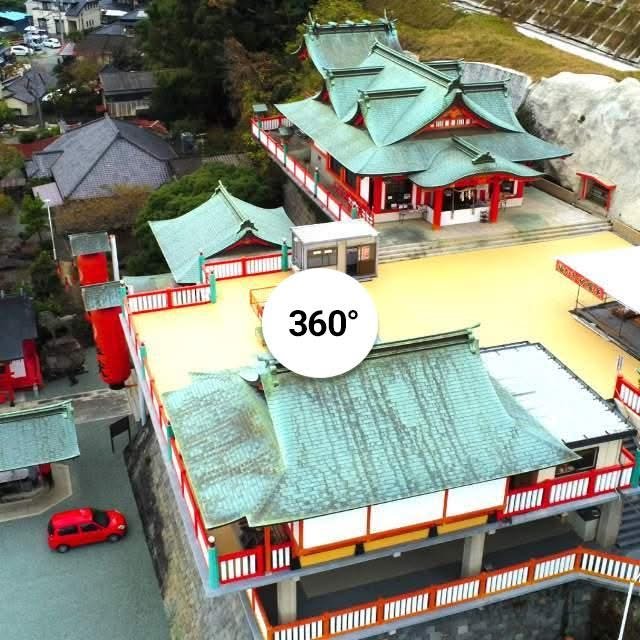
In sharing the following 360° Virtual Tour of Takahashi Inari JInja, I would like to ask for your help in providing me with some valuable feedback.
The tour should work without any problems when viewed on a computer.
In fact, I recommend that method if you want to get the real feeling of the 360° images.
The problems can arise when viewing from a smartphone or android phone.
Links may not work, videos may take ages to download, some elements may not appear at all and so on!
I do not use this method of viewing myself.
That's where you come in.
For those of you who would like to help me with feedback and are viewing on a "phone", please take some time to try the tour and report back to me with your thoughts on any problems you encounter.
When going to the link below on your phone, you may see an icon representing 3d glasses. Clicking on that icon will likely show,"Install Google VR Services?" You should do that in order to see the correct 360° images and videos.
Once at the start of the tour, I suggest you watch the left-hand-side video on Navigating the 360° Tour, before pressing the start button.
Short comments and feedback can be left in the comments here.
However if you prefer, you can email me at [email protected].
I hope you can enjoy the Tour and I'm looking forward to hearing your feedback.