Post Title: How to get from Kumamoto City's machine translation to the original Japanese.
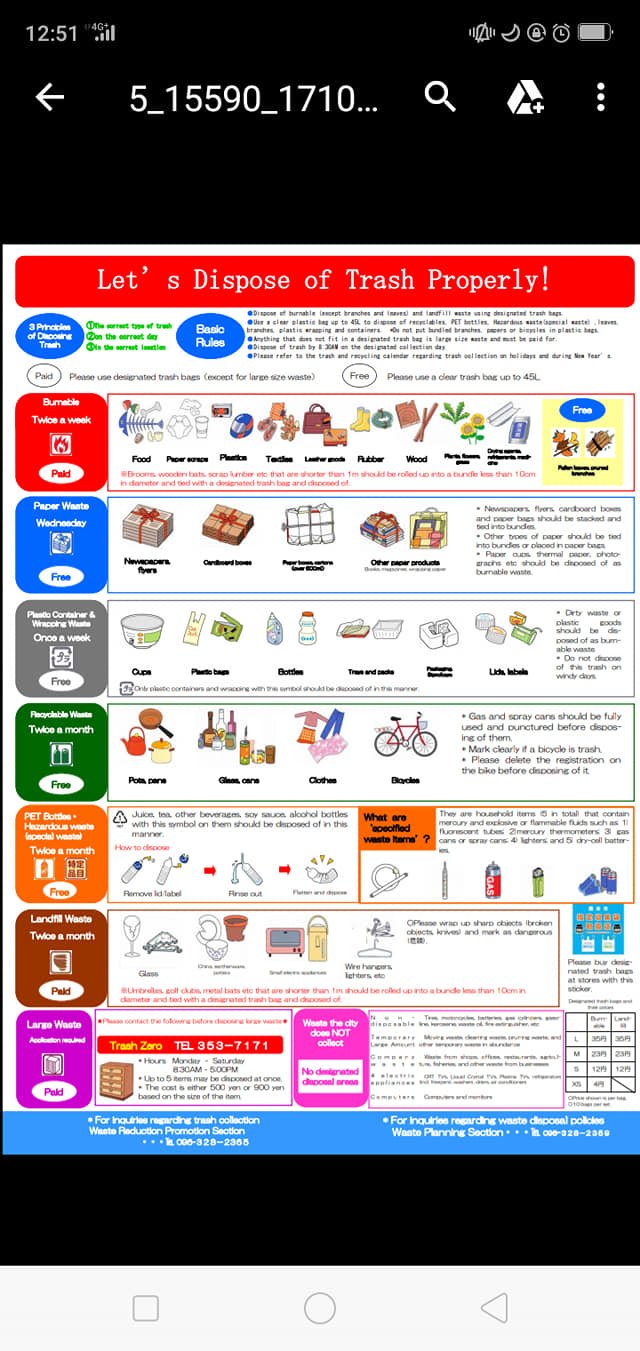
Kirk here. Atsuko posted some useful information about trash disposal. Thanks Atsuko! One of the links she included was to a machine translated web page from the Kumamoto City website:
Because it's a machine translation and such translations are typically not very reliable, they have the following disclaimer:
"This page is translated using machine translation. Please note that the content may not be 100% accurate."
OK. Fair enough. Now I've been warned that the translation is likely to be pretty dodgy but what do if I need to find out what it really says? Actually, until now, I don't think there's been a good answer to this question. Today, however, I've discovered a little hack that I hope some of you will find to be useful.
What you need to do is remove the following letters from the URL:
".e.fm.hp.transer.com"
Just highlight that portion of the URL and then hit "delete." You'll be left with something like
which is the original URL -- the Japanese page that was translated. Now, if you understand Japanese you can check that. Or, you can ask a Japanese person for some help. Or, you can use the following Google service to get a different machine translation that lets you go back and forth between the English and the Japanese:
http://itools.com/tool/google-translate-web-page-translator
That's the tip. I hope some of you find it useful. :)